

Configuring the Category filter
By default, the Category filter follows your BigCommerce category structure exactly, including your main (top-level) categories.
Some stores organize everything under one main category that isn’t meant to show up as a filter option itself — for example, a catch-all category like “More”, or one that only exists to keep the site navigation organized. In that case, you can leave that one category out of the filter while still showing everything inside it.
How to set it up
Section titled “How to set it up”- Go to Admin → Apps → Convermax: Year Make Model → Menu → Filters
- Click the gear icon next to the Category filter
- Turn on Trim first category level
- Under Root category, pick the category you want to leave out
Only the category you pick is affected — your other main categories stay exactly as they were, and everything that was under the picked category still shows up in the filter, just one level up.
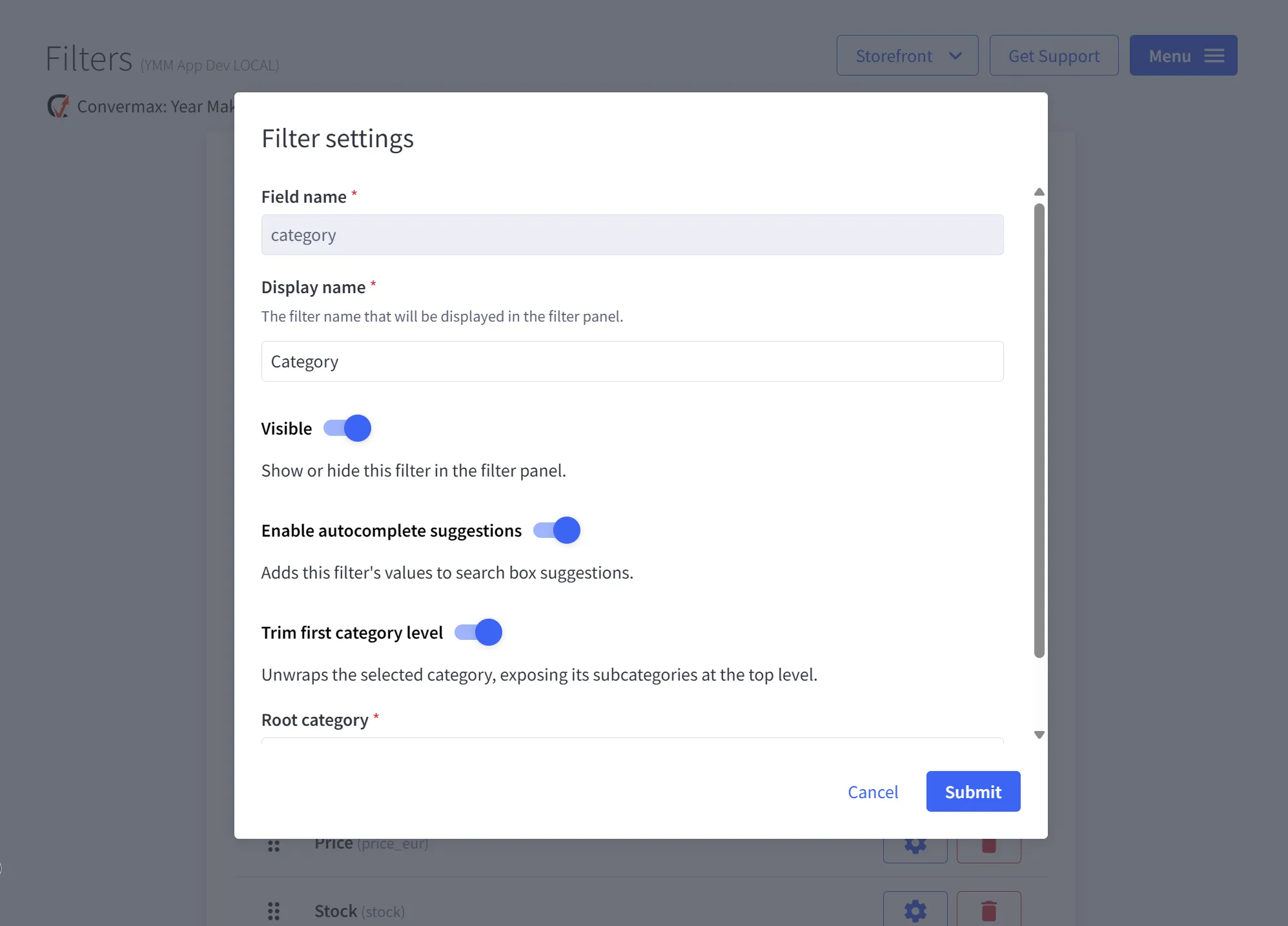
This is stored as CategoryToExclude under the store schema’s Extra settings, set to the picked category’s name.