

Wheels & Tires Data Integrations
DRD (DriveRightData)
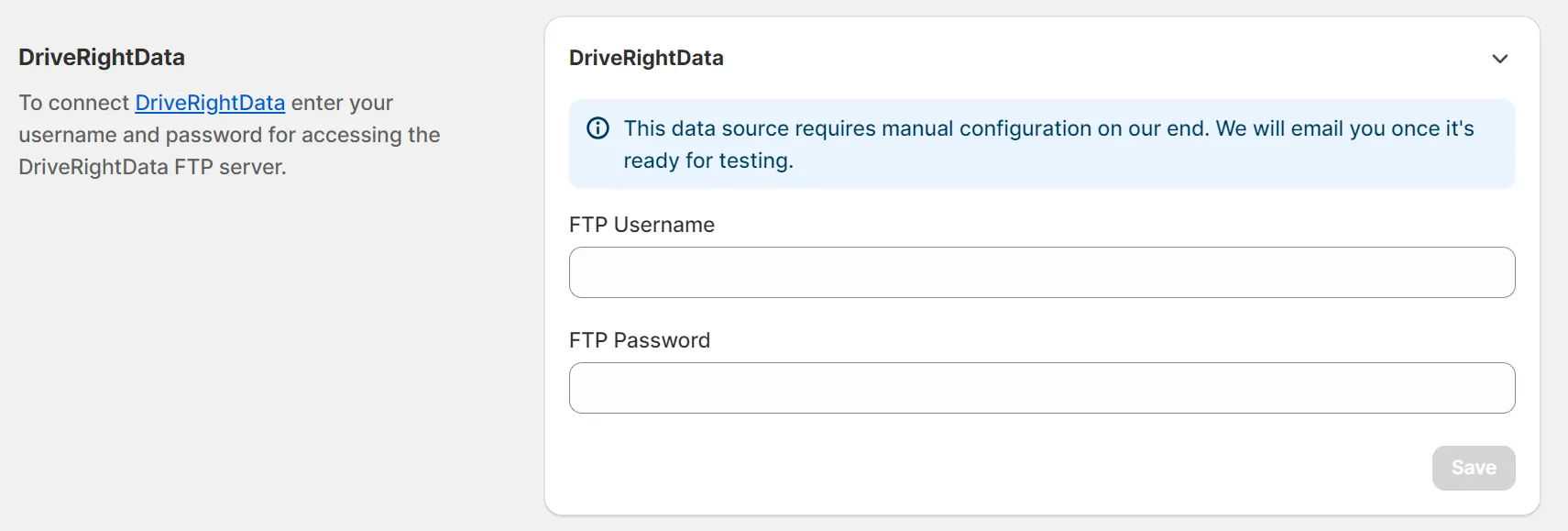
Section titled “DRD (DriveRightData)”You can connect your DriveRightData account to the Year Make Model Fitment Search app, but this data source requires manual configuration on our end. We will email you once it’s ready for testing.
Fitment Group
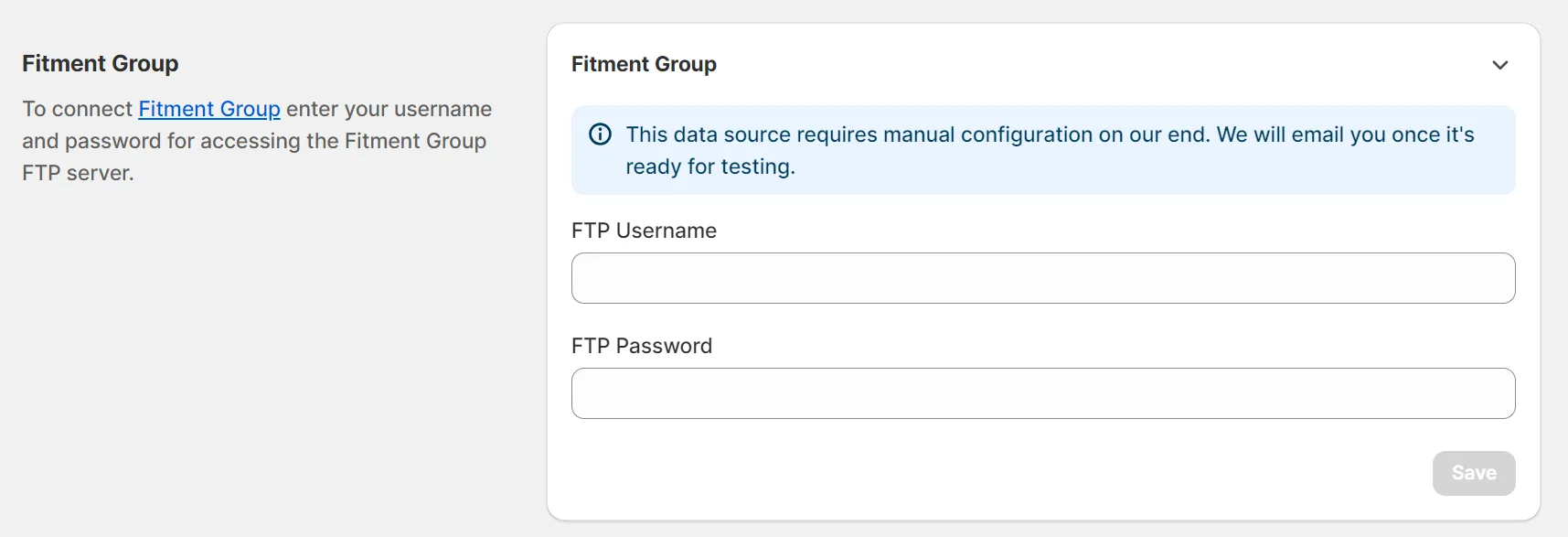
Section titled “Fitment Group”You can connect your Fitment Group account to the Year Make Model Fitment Search app, but this data source requires manual configuration on our end. We will email you once it’s ready for testing.
Wheel Pros
Section titled “Wheel Pros”We can connect your WheelPros account to the Year Make Model Fitment Search app, but currently, it can be done only by sending your credentials via SFTP to our support team. See Set up Wheel Pros SFTP feed for the step-by-step instructions.
ATD (American Tire Distributors)
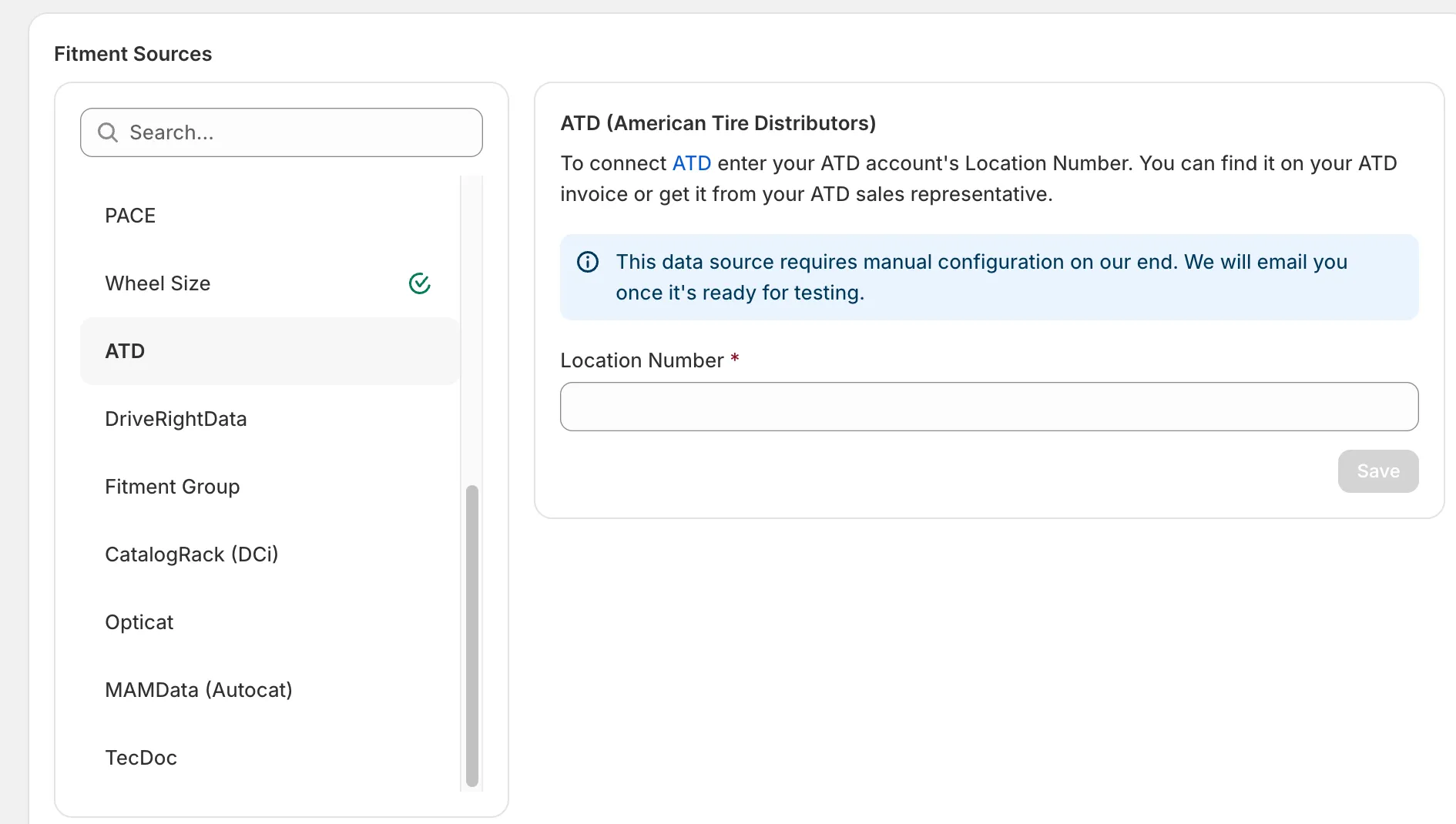
Section titled “ATD (American Tire Distributors)”You can connect your ATD account to the app. Open the Data Sources page, select ATD, and enter your ATD account’s Location Number — you can find it on your ATD invoice or get it from your ATD sales representative. This data source additionally requires manual configuration on our end; we will email you once it’s ready for testing.
Wheel Size
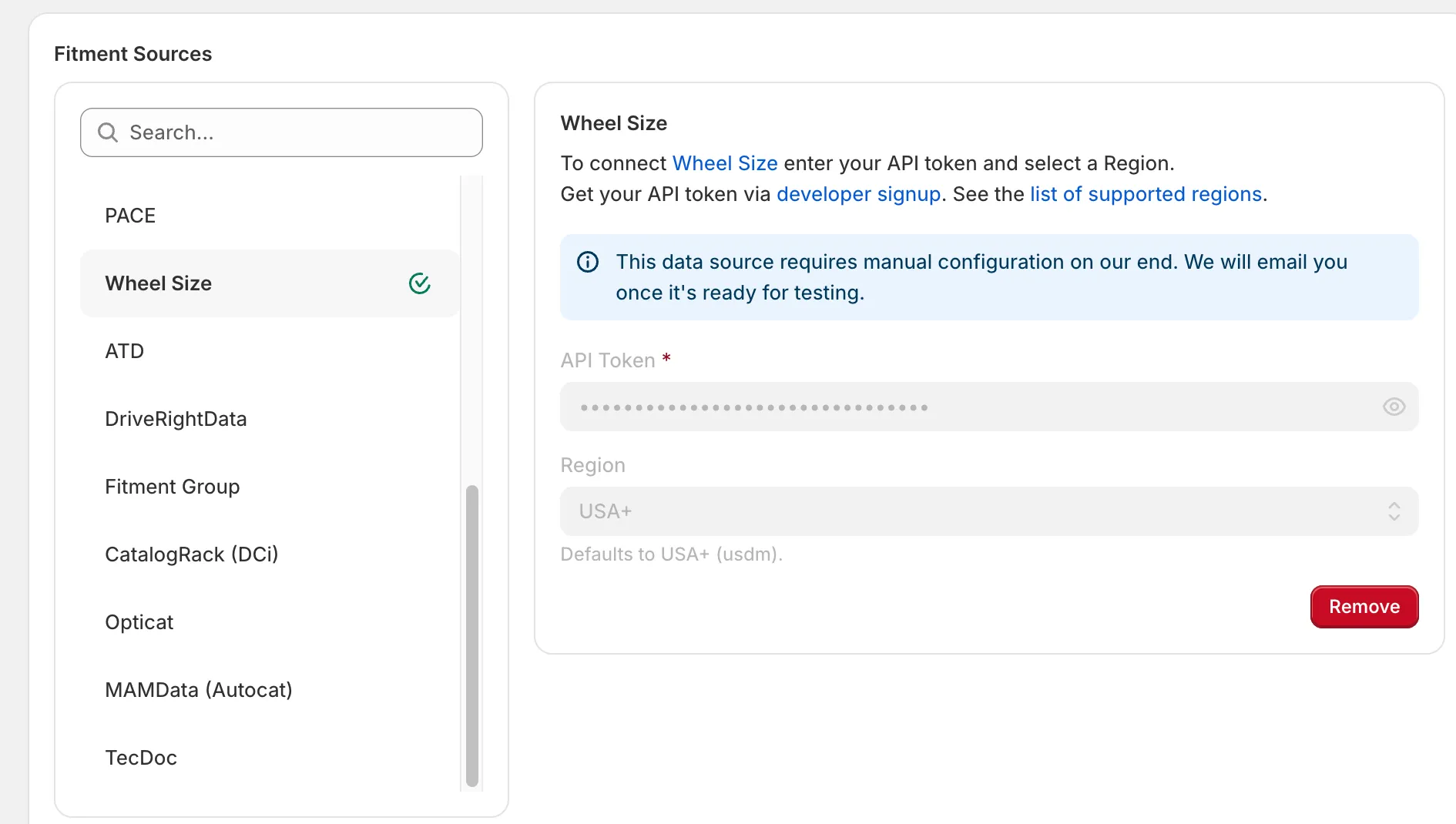
Section titled “Wheel Size”You can connect your Wheel Size account to the app. Open the Data Sources page, select Wheel Size, enter your API token, and select a region (defaults to USA+). Get your API token via the developer signup, and see the list of supported regions. This data source additionally requires manual configuration on our end; we will email you once it’s ready for testing.
AutoSync
Section titled “AutoSync”We can connect your AutoSync account to the Year Make Model Fitment Search app, but currently, it can be done only by sending your credentials to our support team.